Paper & texture
Consider matte, textured or kraft looks when tactile presentation is part of your brand story.

LABELSFOX / CUSTOM LABELS
Explore labels by use, then build a brief around your packaging, your artwork and the way your product is handled.
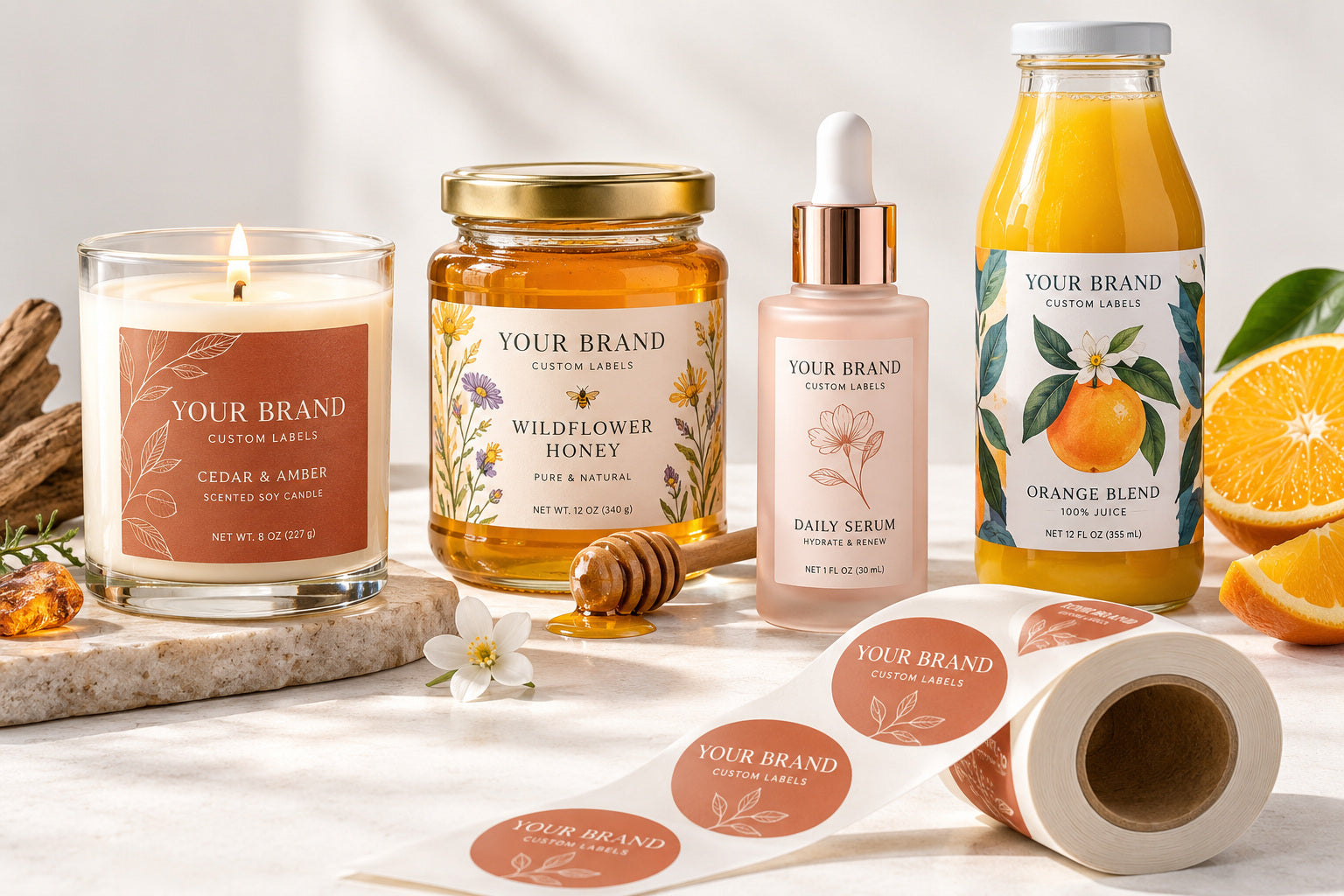
CHOOSE YOUR APPLICATION
Start with your product. Each application opens its own label brief.
Select a label category from our navigation or contact us with your project details.
FIND YOUR FINISH
Your container, design and use conditions help define the stock and finishing approach.
Consider matte, textured or kraft looks when tactile presentation is part of your brand story.
Explore white, clear and metallic film appearances. Describe moisture, oil and handling exposure in the brief.
Use selective foil, embossing or gloss details to draw attention to a mark, name or border.
FROM IDEA TO LABEL
Start with your product and container.
Specify format, shape, size, material and quantity.
Share artwork and confirm the proposed specification and quote.
Review the proof and order details before production.
HELP WITH YOUR LABEL BRIEF
Tell us how you will apply the labels. Roll specifications can include core size, winding direction and applicator requirements; sheets are convenient for hand application.
Enter the finished dimensions and choose a shape, or describe a custom outline. The dieline and production specification will be reviewed with your artwork.
Share the container surface, moisture or oil exposure, storage conditions and desired look. We will review stock and adhesive options for that brief.
Enter the total quantity and number of designs, then describe the quantity split and label set in the project notes.